
A maze instead of a wall
Hard blocks beg to be disabled. A maze adds friction you can feel without locking you out of your own browser.
A friendlier way to block websites on Chrome
You open Reddit to check one thing and resurface half an hour later. Maze Blocker blocks the sites that do this to you, and reopens them only when you solve a maze, only for the minutes you chose.
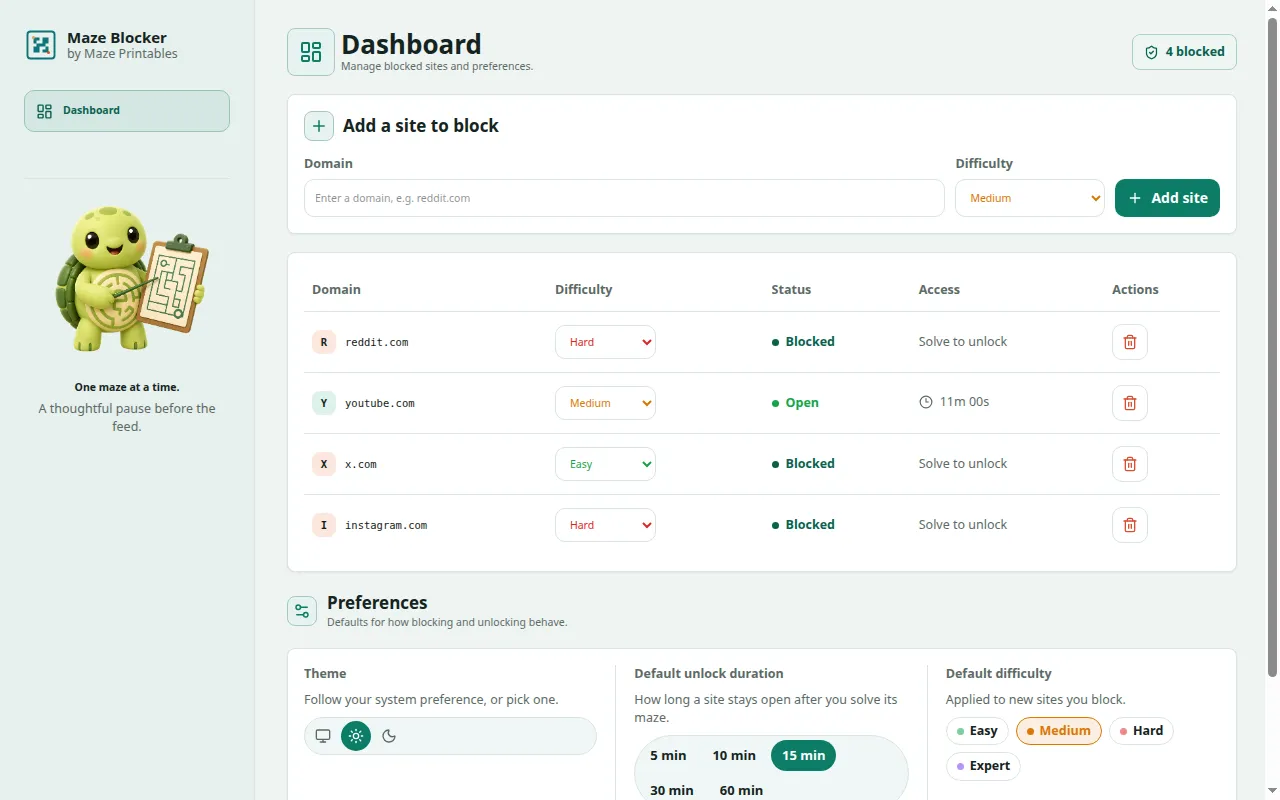
Three steps, and the block runs itself.
Add Reddit, YouTube, TikTok, or X with one-click presets, or type any domain.
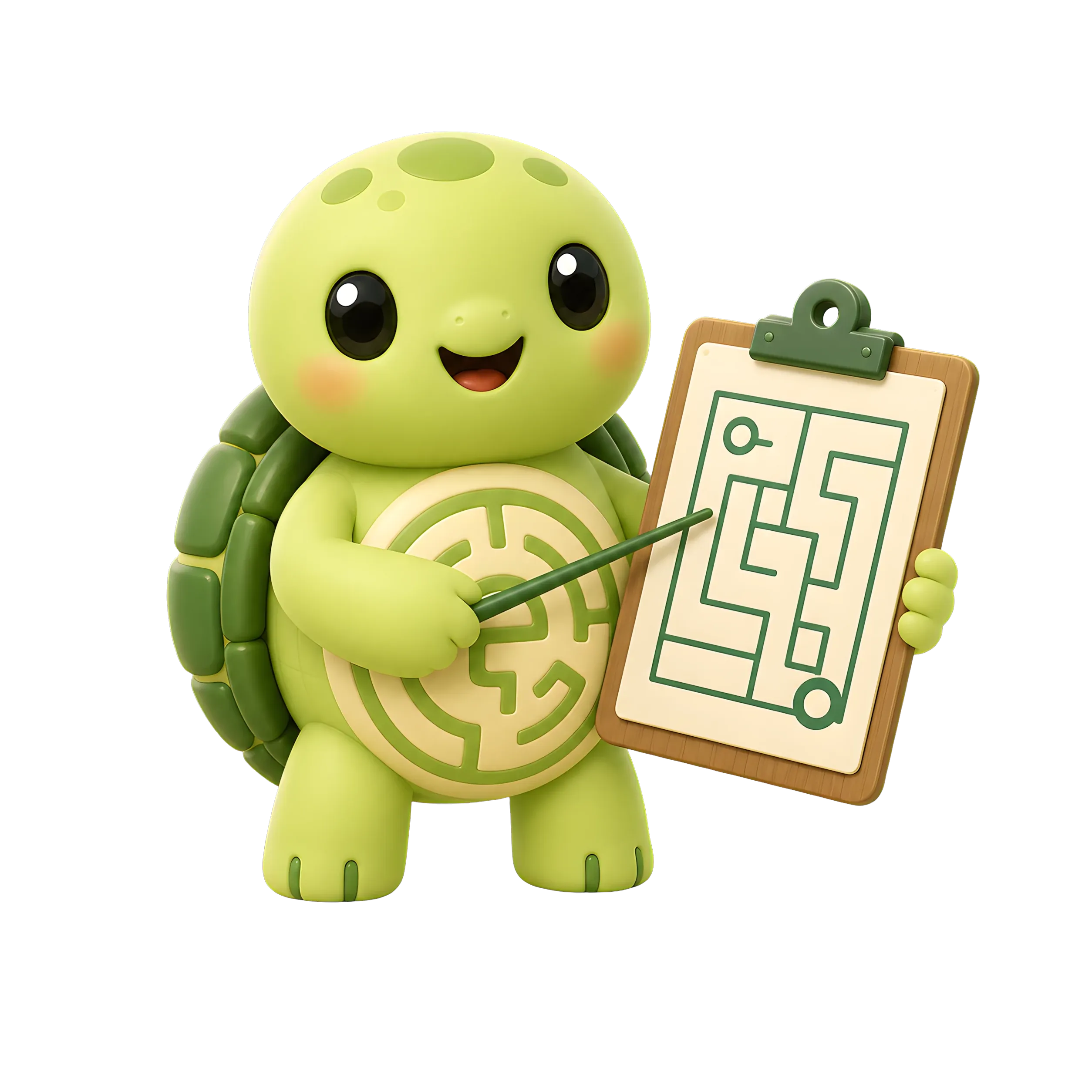
Visit a blocked site and a maze appears. Trace it from entrance to exit to earn your way in.

The site opens for 5 to 60 minutes, your call. When time's up, the block returns on its own.
Your blocklist on one screen, the maze on the other.
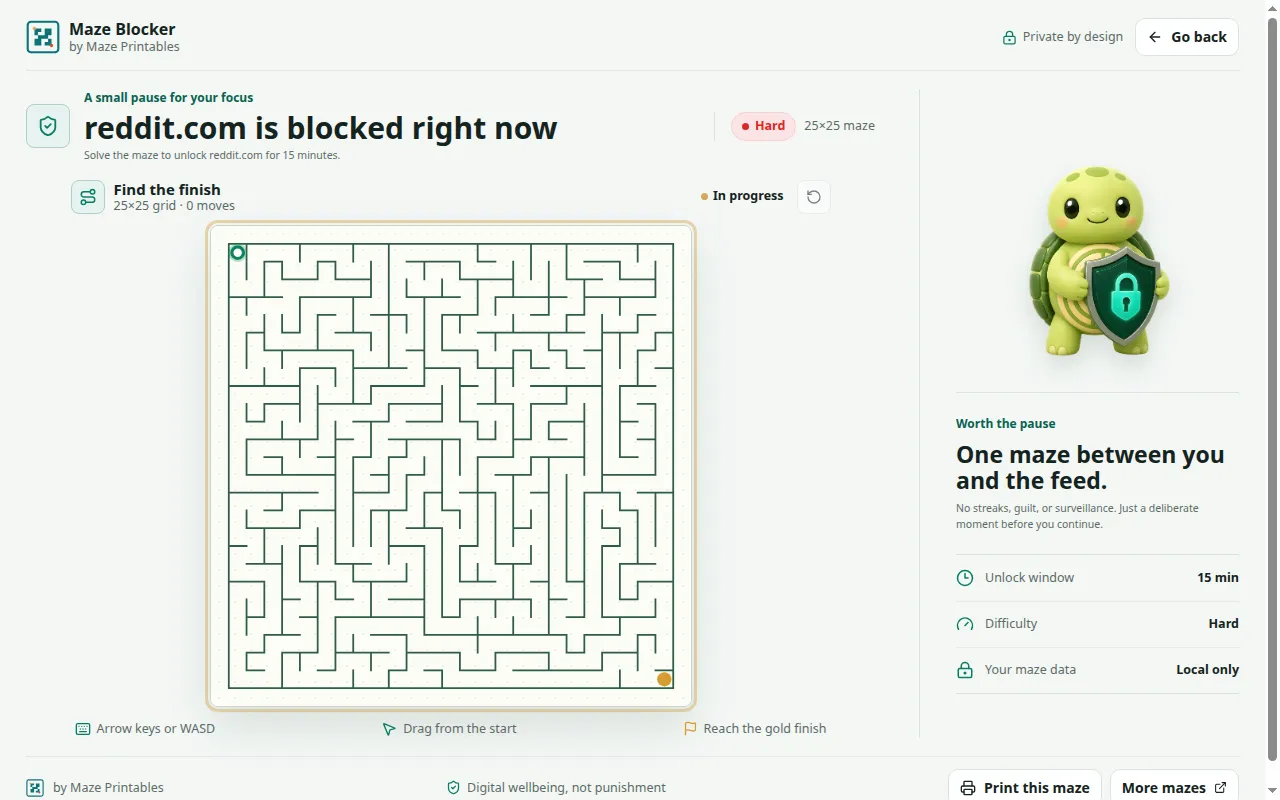
Friction where you want it, none where you don't.
Hard blocks beg to be disabled. A maze adds friction you can feel without locking you out of your own browser.
There's nothing to sign up for. Your blocklist and settings live in Chrome's local storage on your machine.
No content scripts, no page reading, no analytics. Maze Blocker never learns what you do on the sites you visit.
Easy, Medium, Hard, or Expert for each domain: an 8×8 maze for the news, a 40×40 labyrinth for TikTok.
Pick 5, 10, 15, 30, or 60 minutes per site. When the timer runs out, the maze is back.
The block page greets you with a cheerful turtle mascot instead of a shame screen. Focus shouldn't feel like detention.
Different distractions, same fix.
Put your worst rabbit holes on Expert during exam week. A 40×40 maze turns "one quick check" into a real decision.
Give yourself a 5-minute window between meetings. You still see your feed; you stop losing afternoons to it.
The maze is a pause between impulse and scroll. Some days you solve it. Most days you close the tab.
Quick answers to common questions.
Install Maze Blocker from the Chrome Web Store and open the dashboard. Add sites with one-click presets for Reddit, YouTube, TikTok, X, Instagram, Facebook, and Twitch, or type any domain. You can block up to 100 sites, each with its own maze difficulty and unlock window.
No. Maze Blocker checks URLs locally, and only to identify or re-lock a site you chose to block. It has no content scripts, doesn't read page content, and doesn't send browsing activity to Maze Printables or any analytics provider.
Chrome requires host access so Maze Blocker can redirect whichever HTTP or HTTPS domains you add to your blocklist. It never inspects page text, forms, passwords, or messages.
Yes. Choose Easy, Medium, Hard, or Expert for each blocked domain. Easy is an 8×8 maze and Expert is 40×40, so different distractions can cost different amounts of effort.
The site opens for your chosen 5, 10, 15, 30, or 60-minute window. When the timer ends, the block returns on its own and open tabs for that site go back to the maze challenge.
Yes. It works well when you want one small, repeatable boundary between a task and a familiar feed, without permanently locking yourself out.
Block the websites that eat your evenings. When you want in, you can earn it.